Physical Address
304 North Cardinal St.
Dorchester Center, MA 02124
Physical Address
304 North Cardinal St.
Dorchester Center, MA 02124


Learn how to implement schema markup on WordPress sites in 2026 for better indexing and enhanced search results display.
If you run a WordPress website, you have probably heard about schema markup, or structured data. I have been working with SEO for many years, and I remember when schema felt like just an “extra.” Today, it is a central part of getting noticed in search results. In this guide, I will walk you through the keys to schema markup in 2026. My goal is to help you use it on your website and improve your visibility in ways you can actually see.
When I first heard about schema markup, it sounded technical and maybe only for developers. Yet, the basic idea is simple:
Schema markup is information you add to your code to help search engines understand your site.
For example, if you have a review post, schema markup lets Google know you are showing a review, the rating, who wrote it, and more. The result? Google can show your content as a rich result. That means stars, images, prices, and other tasty snippets right in the search results.
If you follow The Best SEO, you have probably read how search engines keep updating the types of schema they use. This is no passing trend. Structured data is now one of the most visible factors for standing out in the search landscape of 2026.
I have tracked how schema.org and Google’s own documentation changed over the years. In 2026, schema markup is more flexible, and there are new types of schema available for:
Search engines have also improved at “reading” schema even if you make small errors, but accurate markup remains best. Changes from the past year include more focus on entity-based search (for example, knowing who or what a page is about) and Google surfacing highly specific facts in answers using structured data.
If you use WordPress—like I do for several personal projects—you already have a good base. WordPress’s structure makes adding schema straightforward, whether by using plugins, themes that support schema, or even custom code.
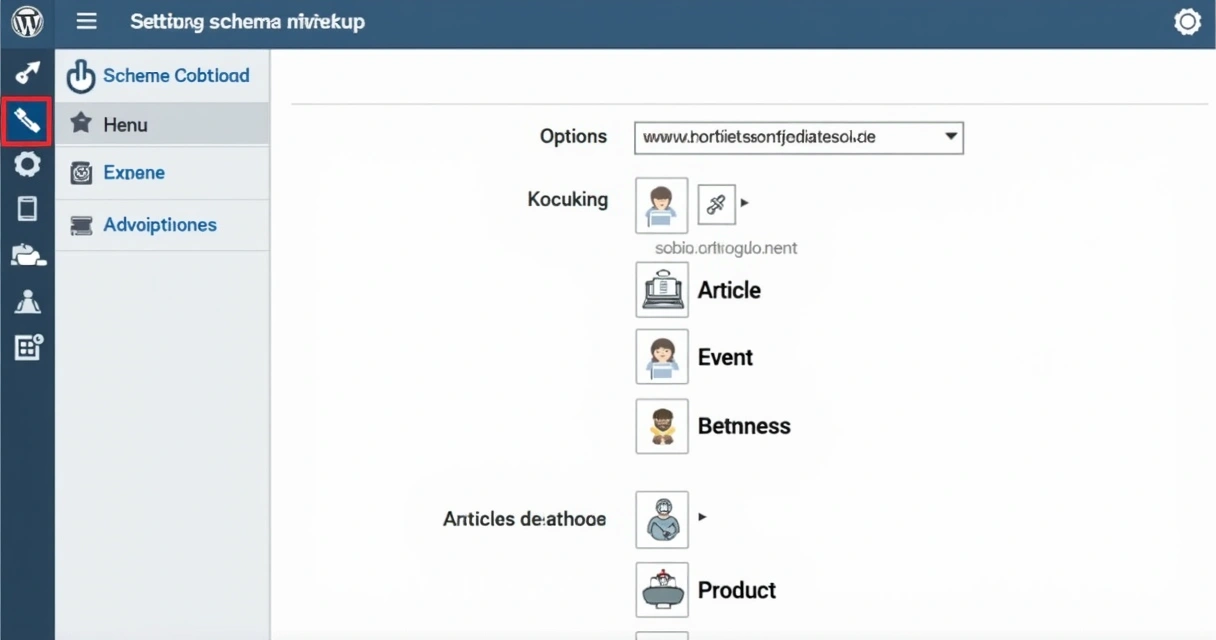
I always recommend aligning your schema plan with your site’s main purpose. For example, a blog about SEO tools (like The Best SEO) might use:
If your goal is to improve website performance, schema markup can give extra context about your site, which means you get more chances for Google to show your content in creative ways.
There are a few main paths I take when adding schema markup to a WordPress site:
Even if you are not technical, plugins today are friendly and guide you step by step. But check that whatever you use lets you preview, test, and update your markup. Schema must be current to remain useful.
Over my years consulting on site updates, I have picked up a few best practices to get the most out of schema markup:
For an example, see this detailed post I wrote about tuning schema present on single product pages. I have seen sites get a real boost in clicks after making their markup more complete.
The variety of schema types as of 2026 is huge. But I think most WordPress sites will benefit from focusing on these options:

Do not overload every page with multiple types. Think about what users are looking for and match the markup to their goals. I once went a little schema-crazy and my site looked cluttered in search results. Less is sometimes more.
I have seen firsthand that schema can boost visibility, but it feeds into a bigger SEO strategy. Google is smart, but it loves being fed clear facts. When you add schema, you support:
To deepen your knowledge, check our SEO basics category or the latest trends in Google ranking improvements to see how schema fits into Google’s changing priorities for 2026.
Schema markup is no longer just a technical detail. It is a powerful way to help Google (and your visitors) clearly understand your WordPress site. In my experience, the best results come from tailoring schema to match your actual content and keeping your structured data up to date.
If you want more hands-on tips, tutorials, and updates about how to really stand out using tools like ours, follow The Best SEO. We help website owners and marketers stay ready for every change in Google’s search world. Try our tool, test your site’s schema, and let us help you move up in the results!
Schema markup for WordPress is the practice of adding extra code to your pages, so search engines know exactly what your content means. This lets Google and others show more detailed results, such as stars, prices, events, or FAQ answers, right in the search listing. It is a key way to make WordPress sites appear more attractive in search in 2026.
In 2026, adding schema to WordPress is easy thanks to modern plugins or themes. You can select the schema type, fill in the details, and let the plugin handle the code for you. For more advanced needs, add custom JSON-LD code snippets directly to the theme or in a custom block. Always test your schema with Google’s tools before publishing.
Yes, schema markup can boost your SEO by making your site eligible for rich results, which often means higher click-through rates. It also provides search engines with more details, leading to better indexing and improved visibility for your WordPress site.
There are many plugins designed for schema in WordPress. The best ones let you choose different schema types per post, preview the output, and update as standards change. Choose a plugin that is widely supported, updated often, and gives you flexibility without making things too complicated.
You should update schema markup whenever your content changes or when new types of schema are introduced that fit your page. In general, check your site’s schema every few months to be sure you match the latest guidelines and avoid losing out on rich results or features in search engines.


