Physical Address
304 North Cardinal St.
Dorchester Center, MA 02124
Physical Address
304 North Cardinal St.
Dorchester Center, MA 02124


Learn how to identify and match search intent to user goals with targeted content, on-page tweaks, and keyword strategies.
Every time I sit down to write a new piece for my website, I remind myself of something simple: people aren’t just typing words into Google because they’re bored. They have a purpose. That purpose—what a person really wants when they search—is what the SEO world calls user intent.
When I first started working in digital marketing, I’ll admit I saw keywords as the stars of the show. Now, after two decades, I know it’s user goals hiding behind those keywords that matter most. Understanding the “why” of a search is the secret sauce for everything else.
In this article, I’ll show how “search intent” changes the way we plan, write, and update our content. I’ll outline the four main intent types, share practical tips for matching content to different user goals, and walk through strategies for tuning up your titles, descriptions, and calls to action—all based on real research and experiences from my own journey, and the ongoing work at The Best SEO.
What people want is always more important than what they say.
Search intent (sometimes called user intent or query intent) is the reason behind someone’s search. It answers the question: “What is this person really hoping to find?”
People sometimes want quick facts, detailed guides, places to go, products to buy, or reviews to compare. The words they use give clues. But their true aim—what’s in their mind—is what I need to match if I want happy readers and better rankings.
Matching your content to what the user truly wants is the key to making SEO work for both your site and your audience.
To put it simply: Google, Bing, and other search engines spend billions trying to guess what users want. My job is to help by making sure my website lines up with user goals as closely as possible.
When you match your content to the reader’s goal, three magic things happen:
A study from Penn State University found more than 80% of web searches are people looking for information, while only 10% are about finding a website (navigate) and another 10% are shopping or completing tasks (transaction).
It’s not just theory. Research on search behavior shows that users spend a surprisingly short time on the average search results page—just 22 seconds. And a full quarter of their attention goes to information displayed in boxes (like featured snippets or knowledge panels).
If I want my content to succeed, I must meet the needs hiding inside those 22 seconds.
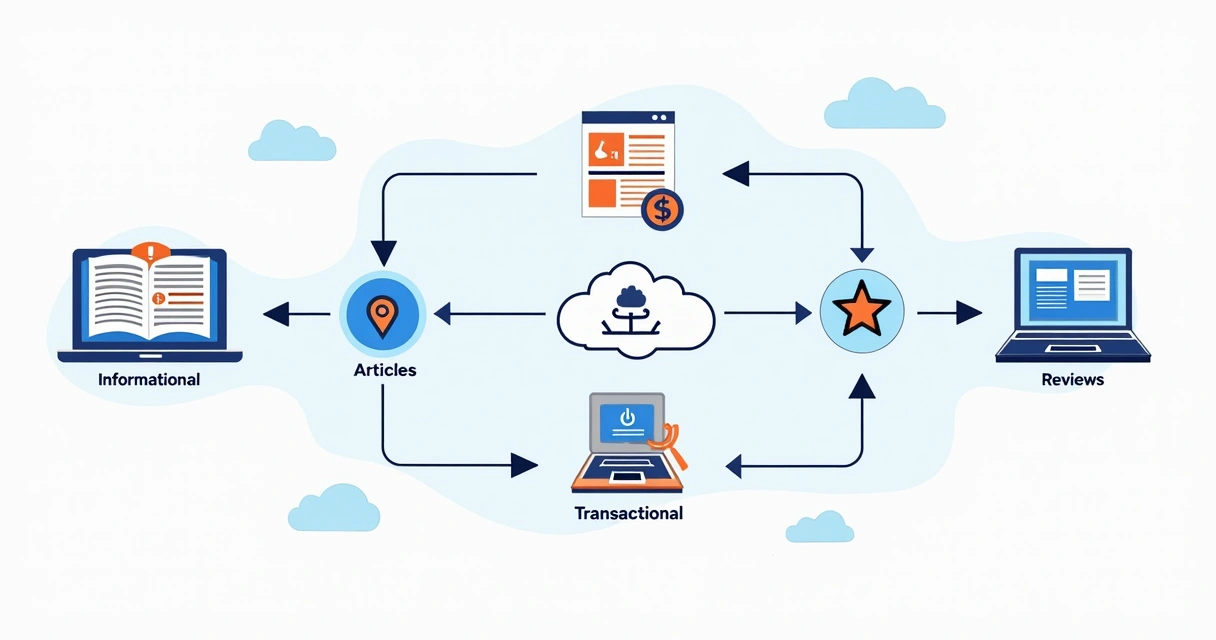
Most searches fall into one of four broad categories. Each one calls for a different “angle” or approach. Here they are:
A perfect fit for blog articles, videos, tutorials, and explainers.
Content for this type is usually your homepage, login page, contact info, or a specific landing page.
Listicles, reviews, side-by-side comparisons, and buying guides fit this intent like a glove.
This is where product pages, checkout flows, pricing tables, and registration forms shine.
I’ve found that some queries even have “mixed intent”—but most can be grouped by what the searcher seems to want first.
Aligning your pages and posts with audience goals isn’t just for search engines. It determines who clicks, who stays, and who converts.
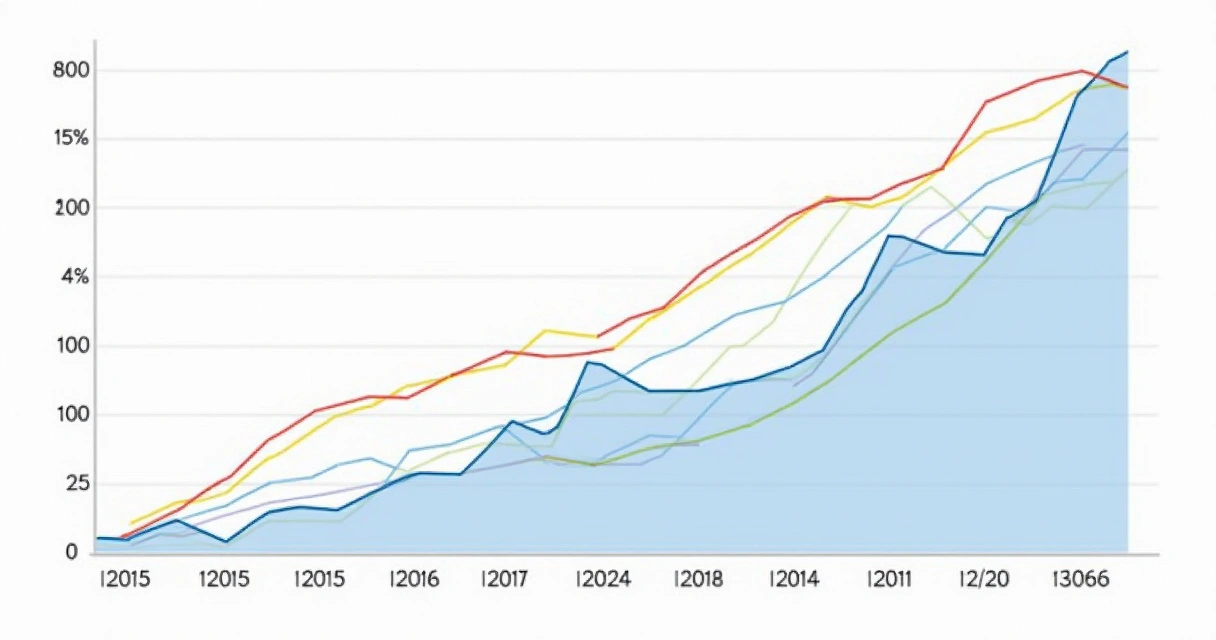
For example, in research tracking health-seeking search intent in the United States, the number of information-demanding queries about depression soared by 67% in just over a decade. Knowing that, health websites who shifted to create more article-style, answer-rich, easy-to-read content saw dramatic jumps in visits and time on page.
Similarly, public health studies on COVID-19 show that search behavior not only predicts what people want, but can predict what they’ll do. One analysis showed that the more people in an area searched for vaccine information and intent, the faster vaccine uptake happened in that area afterwards.
In my work with The Best SEO, I’ve seen again and again how even small changes to match user needs (like rewriting a title to match the real purpose behind a question) can mean big lifts in both traffic and engagement.
If you solve the user’s goal, your traffic will solve itself.
Spotting intent is about more than scanning for obvious words like “buy” or “how to”. I approach it as detective work. Here’s how I do it step by step:
I find this detective work is a lot like being a translator. What the user types is rarely the whole story.
After years of testing and tweaking, here’s my playbook for making sure my articles, pages, and products all line up with the user’s goal.
Start with keyword research. Pay attention to wording, but rely most on what the top-ranking pages are already doing. I always Google the term and read the first page carefully.
If I see mixed results (like videos and how-tos plus reviews for “iPad tips”), I’ll consider blending both information and product links so both user types are happy.
If the top-ranking pages have FAQ sections, step-by-step instructions, pros and cons lists, or user testimonials—add those too. Google is making bigger and bigger use of content that matches extra questions or user “what else?” moments. Organizing by subtopic helps users stick around longer and reduces pogo-sticking.
I never skip these edits, because they’re the quickest wins for SEO and user happiness:
I used to think a good article was just about the words. Now, I know how the information is laid out makes as much difference as what I write.
First, break up your text with headlines that echo searcher needs. Next, use bullets, short paragraphs, and visual elements so people can scan and spot what matters.
A study of user scanning habits found users spend the most time on quick-answer boxes and scannable highlights—proof, to me, that skipping fluff and offering the solution up front pays off.
Some of the best feedback comes from looking at real user actions. I always check:
I regularly A/B test new titles, FAQ additions, and re-organized articles to see which approach better matches audience goals—and I encourage you to think the same way. Even small tweaks can move the needle.
After making changes, I bookmark metrics and check again in a few weeks: Did ranking improve? Is engagement higher? Are next-step actions (signups, purchases, clicks) up? That’s how I know my new approach is working.
Intent doesn’t just impact a single page—it shapes everything, from what topics you cover, to your site layout, to how you segment content. Over time, I’ve learned to adjust my whole content calendar with user goals in mind.
One thing I make part of every strategy: always ask “who needs my page, and why?” before I create (or rework) content. Then, match everything to that answer.
Here are some lessons I’ve learned, often the hard way:
Relevance comes from clarity and usefulness, not just keyword matching. Your aim: Become the most helpful, direct answer to the user’s real question.

Aligning website content with user goals isn’t just a theory at The Best SEO—it’s the foundation of how we help users get simpler, clearer results in Google. We focus on guiding readers to answers, resources, or actions based on what their searches “really mean”—not just what they type.
If you want to learn more about planning lasting content using intent, our digital marketing guides cover dozens of fresh strategies and hands-on checklists.
Great SEO means putting users first—every single time.
If you take away one thing from this guide, let it be this: Success in modern SEO starts and ends with user intent.
Stop guessing. Study what your audience wants at each step. Adjust your content, page structure, and calls to action to mirror their goals. Then check your site’s metrics, tweak, and keep asking, “Did we solve their real problem?”
If you want to see how aligning your content to search intent can raise your website’s performance and reach, I invite you to get to know The Best SEO better and discover the tools and insights that make Google ranking simpler.
Search intent in SEO is the underlying purpose or goal behind a user’s online search. It reflects what the person actually wants to accomplish—such as learning, visiting a site, comparing options, or completing a transaction. Aligning your content with this purpose helps boost rankings, reduce bounce rates, and increase conversions.
I examine keyword phrasing, analyze the search results page, and notice the types of content ranking for that query. Phrases like “how to” or “what is” reveal information-seeking behavior, while “buy,” “order,” or brand names signal transactional or navigational needs. Checking related searches and featured results often provides extra clues.
Matching content to intent means users find exactly what they’re looking for, leading to longer visits and higher engagement. It also signals “relevance” to search engines, improving your rankings. Pages that satisfy intent convert better—whether the goal is getting a question answered or making a purchase.
The four main types are informational (seeking knowledge), navigational (reaching a specific site or page), commercial (researching before buying), and transactional (ready to purchase or take action). Recognizing these categories helps you pick the right format, tone, and CTA for your content.
I start by identifying the primary aim behind my target keyword, then shape the content to fit—whether it’s a guide, product listing, review, or signup page. I update on-page elements—titles, meta descriptions, and CTAs—to mirror user goals. Regular checks of analytics and SERPs help fine-tune my approach and keep meeting changing user needs.


