Physical Address
304 North Cardinal St.
Dorchester Center, MA 02124
Physical Address
304 North Cardinal St.
Dorchester Center, MA 02124


Learn how to create, submit, and maintain a sitemap XML to improve crawling and indexing of your website pages.
As someone who’s spent years untangling the web’s dense threads, I know that getting all your site pages properly shown in search results can seem mysterious. But there’s one tool that always gives website owners more control: a well-crafted sitemap XML file. This guide is all about making that process truly simple—without any fear, confusion, or technical hoops that might slow you down.
I remember the first time I peeked inside a sitemap XML. It looked like a secret decoder for search engines, showing a neat list of all a site’s pages. But an XML sitemap is much more than just a list—it’s a roadmap, written in a language Google and other engines understand, that highlights what’s important and helps bots find fresh content.
Unlike HTML sitemaps (built for users), XML sitemaps are for search crawlers only. They tell search engines:
The stakes are high. If your sitemap XML is missing, wrong, or messy, your new landing page may not show up on Google for months. Sites I’ve managed with correct, up-to-date sitemaps get their updates indexed noticeably faster. This makes a real impact—especially for content creators, owners, and marketers who want to move up those rankings with ease. That’s why, here at The Best SEO, we always remind our readers to pay attention to this small but mighty file.
Don’t let the “XML” part intimidate you. It’s just a markup format, like HTML, but focused on data rather than layout. Here’s what a simple sitemap file contains:
Here’s a quick blockquote to visualize it:
<url> <loc>https://www.example.com/services</loc> <lastmod>2024-06-11</lastmod> <changefreq>monthly</changefreq> <priority>0.8</priority> </url>
When I started, it felt technical—then I realized, most sitemaps are a few repeating blocks like this, pasted for every URL you want crawled.
There’s a strong temptation to throw every URL into your sitemap—trust me, I’ve made that mistake. But you want only high-value, indexable, and up-to-date links. Based on advice from several expert sources, the following should go in:
Leave out anything that’s:
Nothing drags down a crawl like tons of broken, duplicate, or restricted entries. Audit regularly to be sure your list is slim and useful.
Manual creation isn’t as scary as it sounds. I actually suggest doing it at least once, especially for small sites, so you truly understand what’s going on. Here’s my concise guide:
List every live, desired page on your site in a plain spreadsheet or text editor.
Paste or type each page as an XML “<url>” block under a top “<urlset> tag, like I showed earlier.
For each page, add at minimum:
Save the file as sitemap.xml (not .txt, .html, or .doc).
Check your file with a validator (search “XML validator” online; it’ll catch any missing tags or typos).
If you’re like me, and when you hear “manual” your mind thinks “tedious,” remember: for sites with just a few dozen URLs, hand-coding means you see every page that’s presented to search bots.
Manually listing each page isn’t practical when your site grows. For those moments (and honestly on any big site), automated tools do the heavy lifting. I’ve set up plugins that scan your website, gather all indexable URLs, and create the correct XML syntax for you. Most website platforms have these available, but always do a quick review after generation.
Make sure your generator:
Manual review might feel old-fashioned, but even after automation, I always check the results—automated tools can occasionally include things you do not want, like test pages or archives. That last human touch makes a difference, which is a value we share a lot at The Best SEO.

The technical side matters more as your site expands. Here’s what I’ve learned after creating sitemaps for both tiny blogs and sprawling catalogs:
Never include more than 50,000 URLs or over 50MB in a single sitemap—we don’t want to risk bots skipping huge lists.
If you run a media-heavy site, standard XML sitemaps can be enhanced. I’ve worked on sites that need their images or videos highlighted—because otherwise, Google sometimes skips those assets. There are extended protocols for marking up:
This gives engines the extra data needed to crawl and possibly rank your photos or videos separately from text pages. It’s especially relevant for ecommerce, portfolios, or blogs with lots of original visuals. If you want more details on optimizing media, I once wrote about this topic in more depth for our category on website optimization.
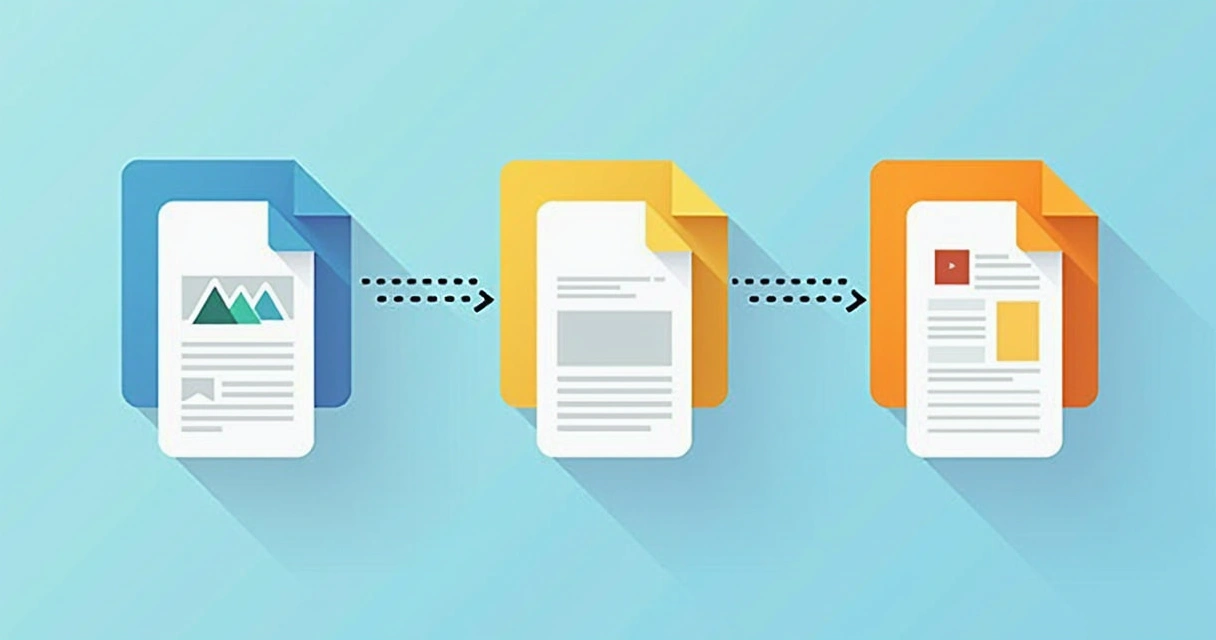
In practice, big or complex sites can end up with a cluster of sitemap files—sometimes by year, category, or even region. Here is where the sitemap index format shines. It’s an XML file pointing to your collection of sitemap files.
What does it look like? Like this:
<sitemapindex> <sitemap> <loc>https://www.example.com/sitemap-products.xml</loc> <lastmod>2024-06-10</lastmod> </sitemap> <sitemap> <loc>https://www.example.com/sitemap-blog.xml</loc> </sitemap> </sitemapindex>
You don’t need to add every sub-sitemap to Google separately—just point it at the index file. This process is explained in detail by official government documentation.
Some websites I’ve worked with split their sitemaps by content type (blog, shop, gallery), and some prefer to divide them by year for huge archives. Choose what makes reviewing and updating easiest for you—readers can see how these variations help on the SEO basics section at The Best SEO.
Beyond the basics, there are a few optional elements you can sprinkle in. I advise including:
If your site is often updated or has content that becomes quickly outdated, “lastmod” is the key extra. For readers who want examples, our post on content update frequency and sitemaps gives more detail.
One thing I do by default on any site: add a reference in the robots.txt. Even if you submit your file elsewhere (see the next section), this simple addition ensures every crawler can find your sitemap on the first pass.
Just add this line anywhere in the robots.txt:
Sitemap: https://www.example.com/sitemap.xml
It’s that easy. Many search engines—including more niche or regional ones—check for this entry first. With this step, you cover more ground and lose fewer crawlers along the way.
After all your planning, you still need to tell major search engines where your map lives. I always recommend submitting the main sitemap URL (or, for massive sites, the sitemap index) via Google Search Console. Here’s a plain walkthrough:
Google will fetch, parse, and show you a summary of indexed vs. submitted URLs. Other engines, like Bing and Yandex, have their own versions—follow a similar process if you care about those audiences.
If you want a real-world example, this blog post includes screenshots of the submission workflow.
Creating your first sitemap is not the end of the story; you need to keep it fresh. From my own projects, here are the everyday habits I’ve picked up:
Maintenance may feel small, but a neglected sitemap soon fills with broken, stale, or indexed-by-mistake links. It’s like letting weeds grow unchecked in your garden.
Along the way, I’ve run into plenty of headaches, especially with legacy, multi-author, or fast-moving sites. Here are a few recurring issues:
If you ever run into roadblocks, you’ll often find the answers in official documentation or in a focused community like our readers at The Best SEO, where I also share quick troubleshooting guides.

If you run a massive archive, a social platform, or an e-commerce store with thousands of items, this is when strategy matters most for sitemaps. Some tips from my experience with scaling:
You can always tweak your sitemap plan as your site evolves. That’s a core message I’ve learned in all my optimization work for The Best SEO: there’s no one-size-fits-all. Tune your files for clarity, scale, and your audience.
Let me leave you with a few highlights I share with clients and colleagues whenever they ask for my “secret sauce”:
And finally:
A sitemap doesn’t replace good site architecture, but it power-boosts your visibility.
Building your sitemap XML might look technical at first, but it quickly turns into the fastest way to improve how search engines discover and prioritize your content. Whether you have a small blog or a giant e-commerce store, a clean and up-to-date sitemap is how you keep search engines “in the loop.”
I always tell readers of The Best SEO: start simple, get comfortable, and revisit your sitemap every time your site evolves. Want practical tips tailored to your site, or ready-made tools that make XML sitemaps as painless as possible? Take a look around The Best SEO’s resources and consider how our tool can save you time and keep your site shining bright in search results.
An XML sitemap is a special file that lists the URLs on your website in a standardized data format, helping search engines find and understand your pages faster and more reliably. Its structure uses XML tags to describe each web address, the last time it was updated, and (optionally) how important it is or how often it changes.
You can create a sitemap XML either manually (by writing each URL and necessary details in a text file using XML tags) or automatically, using website plugins or generator tools. Once created, save it as “sitemap.xml” and place it in the root directory of your site for best results.
Your website needs a sitemap so search engine crawlers can quickly discover all your important, indexable pages—even those without many inbound links. Sitemaps speed up indexing and lower the risk of missing fresh or updated content, which is key for improving your search rankings.
Update your sitemap XML every time you add, remove, or change important website content. For most active sites, check it at least biweekly to keep it accurate. Automated sitemaps can reduce the work, but a regular manual review still helps catch hidden errors.
Submit your sitemap XML to Google using Google Search Console, and add its location to your robots.txt file for all search bots. You can also submit your sitemap to other search engines’ webmaster tools if you target audiences beyond Google’s reach.
If you’re ready to see real results from your SEO efforts—starting with a sharp, easy-to-use sitemap—check out The Best SEO’s guides and tools. It’s time to put your website in the spotlight it deserves!


