Physical Address
304 North Cardinal St.
Dorchester Center, MA 02124
Physical Address
304 North Cardinal St.
Dorchester Center, MA 02124


Learn how to measure and improve Core Web Vitals like LCP, CLS, and INP to boost SEO and enhance user experience.
Walk with me for a moment into an imaginary digital world. You click a link, the page loads at lightning speed, everything falls in place, and you’re already interacting before your coffee cools. The experience feels natural, smooth, and instant. Is that magic? Not quite. The truth is, when we talk about high-ranking web pages that users love, the experience is never left to chance. It comes down to careful measurement, enhancement, and continued care, all revolving around three startup stars of modern web performance: Core Web Vitals.
Core Web Vitals (CWV for short) have become central in the digital universe, changing how site owners, webmasters, and marketers think about performance and Google visibility. I want to show you why they matter so much—not only for rankings, but for something even more basic: making life easier for your users. In this guide, I’ll explain what CWV are, how you can measure them, and what it takes to continue getting better. Oh, and yes, how The Best SEO (the project I’m working on) fits right into the journey of turning your website into a delight for users and search engines.
When I first saw a slow, jumpy website ranking above solid, speedy sites, I wondered how much patience the average person has. Not much, it turns out. According to studies from the University of Washington, people expect pages to load in under 3 seconds and score accessibility at 95% or more.
Core Web Vitals is a set of user-centered metrics developed by Google to help website owners measure what really matters. But it’s not just a fancy checklist—these three metrics define what ‘fast’ and ‘stable’ mean from real human eyes.
Metrics are the heartbeat of digital experience.
If you run a business, blog, or store online, you’ve probably noticed Google nudging everyone to care about these scores. In March 2024, for example, Google switched from First Input Delay (FID) to INP as the interaction standard. This isn’t just technical housekeeping; these signals affect how well your site ranks and how happy your users are.
That’s why I started paying much closer attention. I realized that measurement isn’t enough—understanding and acting are just as important if you want to stand out. If you want to learn more basics around what gets a page to the top, you can find some great info in the SEO basics section of The Best SEO.
Imagine you land on a page and you’re waiting for the headline or the main image. That’s LCP: it captures the time, measured from page load, until the largest visual item (think hero image, main text block) lands on your screen. A good rule, backed by web performance best practices, is to get LCP under 2.5 seconds.
Why does this matter? In my experience, users instantly decide whether to stay or bail. If they see a blank page or a skeleton loader forever, they’ll find another website.
Have you ever tried to click a button, only for it to shift away because an ad or image loaded late? That’s what CLS tries to measure—the total unexpected moving around on a page during the entire lifespan of a visit.
A good CLS score is less than 0.1. Anything more? That’s when users get annoyed, and I can’t blame them.
Interaction to Next Paint replaced FID because it offers a clearer picture of how quickly users can see results after an input—tapping, clicking, or typing. If a website responds within 200 milliseconds or less, you’re doing great. Anything slower, and the experience feels laggy.
Speed isn’t about numbers. It’s about feeling.
What’s unique here is that these aren’t just lab stats—they reflect how users experience your work in the wild. Fixing them means working both in test environments and by learning from real visits.
Google has been crystal clear: your site’s speed, stability, and interactivity influence where you show up on search results. These metrics first entered the ranking algorithm in 2021, and they’ve only grown in influence. But, in my experience, it’s not just about pleasing bots—humans matter even more.
A fast site boosts time on page, lowers bounce rates, and raises conversions. When I improved these signals on one of my projects, not only did my rankings rise, but I saw people sticking around longer and coming back. That’s no accident.
According to usability guides, quick-loading, stable websites are strongly tied to visitor satisfaction, sales, and accessibility. And while improvements won’t guarantee you the top Google spot, neglecting them is almost a sure way to lag behind.
Before fixing anything, you need the right numbers. That’s where measurement tools come in—helping you see where you stand and what’s next. I’ve worked with many sites, and I never skip this step. Google splits data into two buckets: lab data and field data.
Balancing both helps you see potential and actual pain points. For anyone new, start with these common methods:
I always recommend starting with PageSpeed Insights for an overview, then jumping into Lighthouse for step-by-step fixes. If you want to get technical, browser APIs can also pull CWV data straight from live users. You’ll find even more measurement advice in the website optimization section of The Best SEO.
Measure before you move. Guesswork is costly.
Now we get to the part that’s more than theory: hands-on change. Every site and tech stack is a little different, but you don’t need to be a developer to make progress. Below, I’ll share the process I use—not a one-off fix, but ongoing improvement.
The key to a speedy LCP is making sure the biggest item (a banner, main visual, or headline) appears quickly. Delays often come from slow servers, big images, or render-blocking resources.

I once shaved nearly a second off a homepage’s LCP just by compressing banner images and removing a third-party font that blocked rendering. You wouldn’t believe the small things that add up.
The classic culprit for layout shifts is missing dimensions: if images and ads don’t specify width and height, the browser may re-layout the page when they finally load. Here’s what helped me:
When I worked on an e-commerce site, ad banners that loaded slowly caused the details area to keep shifting. Setting fixed dimensions made it feel stable and earned a much better CLS score.
If interacting with your page feels slow, the causes are usually blocking scripts, long tasks, or heavy JavaScript. Here’s my approach:

For one blog, I saw INP drop from 480 ms to just 180 ms by cutting out two analytics plugins I didn’t actually use. Every millisecond counts.
Fixing CWV is not a one-and-done deal. Browsers, content, user devices, and scripts are always changing. If you only check on launch day, you’ll miss problems that appear later. When you keep measuring, you catch those sneaky slowdowns before they sink your stats.
Here’s how I recommend staying on top of performance:
In my experience, big changes (like a redesign or adding scripts) often cause big jumps in metrics. Regular monitoring helps you react before real users complain.
Not every fix is equal. I often see people overwhelmed by “PageSpeed” numbers, not knowing where to start. Here’s how I sort things out if time and money are short:
Troubleshooting can get technical. If you’re stuck, look for:
Do the hard things first. Small wins build up.
For even more examples of quick wins and detailed breakdowns, the Best SEO blog has some step-by-step guides, such as this post on practical improvements.
Keeping a site healthy takes time, especially as it gets bigger. Automation can help, even for small teams. The Best SEO project itself is designed around making measurement and action more friendly—think alerts, easy dashboards, and tailored advice.
You can use site audits, automated testing, and real user monitoring for ongoing scorechecks. Many tools (including my own favorites at The Best SEO) suggest which assets to compress, which scripts to lazy load, and when to intervene. If you want to see advanced approaches, the google ranking section shows how integrating such features drives real results.
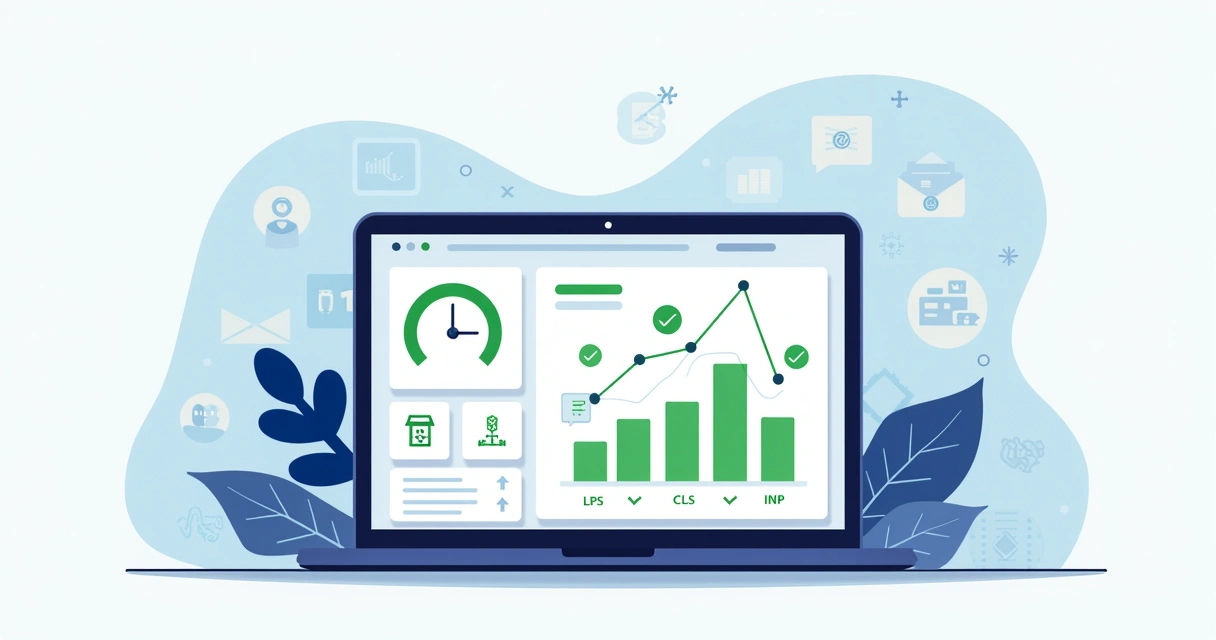
The goal is to keep things simple yet actionable. I really believe that easy access to metrics and fixes makes it much more likely you’ll stay on top of website health.
Let me share a small story. I once worked on a small ecommerce website that, despite great content, hardly appeared in search results. After running a simple audit, I found LCP was over 4 seconds, and CLS was 0.35—far from user-friendly.
By compressing product images, moving scripts to the footer, assigning fixed ad slots, and using a CDN, the site’s numbers flipped. LCP dropped to 1.8s, CLS to 0.02. Within a few months, both user engagement and organic Google ranking improved, just as usability research predicts.
Many of these lessons are repeated across industries: improved metrics mean better conversion, longer dwell time, and higher user trust. If you’d like to see another example of practical website enhancements, have a look at this walkthrough post on The Best SEO blog.
Earlier, I described an ideal web experience—quick, stable, delightful. That’s not a fantasy. It’s something I’ve seen ordinary websites reach by caring about Core Web Vitals and putting practical steps into play. Every tweak adds up. The key is to make these metrics part of your regular checkups, not a one-time fix.
The Best SEO project stands ready to help you make these improvements part of your workflow, whether you’re just starting or aiming to keep your top Google ranking. If your goal is to lift your site, your results, and your users’ happiness, paying attention to Core Web Vitals gives you an edge.
A fast, stable site is never an accident.
I encourage you to take the next step with The Best SEO: reach out, try our tool, or browse our collection of guides. See how easy it can be to measure, improve, and smile at your own metrics.
Core Web Vitals are a set of three metrics—Largest Contentful Paint (LCP), Cumulative Layout Shift (CLS), and Interaction to Next Paint (INP)—that measure how quickly and smoothly users can read and interact with a website. They help website owners focus on user-centered performance, showing how real people experience page load speed, visual stability, and interactivity.
Google uses these metrics as part of its ranking algorithm, meaning your scores influence where your site appears on search results. Better Web Vitals usually lead to higher rankings, making your website more visible and accessible for users searching for your content or products.
Improvement steps depend on which metric needs help: compress images and use a CDN for better LCP, set sizes for all media and reserve space for ads for smoother CLS, and reduce heavy JavaScript for a lower INP. Automated tools, audits, and regular testing all help in pinpointing and solving issues.
You can check your metrics with tools like PageSpeed Insights, Lighthouse, or browsers’ DevTools, and see real-world data using the Chrome UX Report or the General Services Administration’s Site Scanning Program for federal websites. These platforms blend simulated and actual user data, giving you a complete performance view.
They matter because they focus on the experiences that impact real people: speed, stability, and responsiveness. Not only are these metrics tied to higher search visibility, but they also make websites better-loved by users, leading to improved conversion and return visits.


