Physical Address
304 North Cardinal St.
Dorchester Center, MA 02124
Physical Address
304 North Cardinal St.
Dorchester Center, MA 02124


Boost your site’s organic traffic with 7 proven image SEO tactics to improve visibility and Google ranking effectively.
Images breathe life into a webpage—I see this every time I land on a beautiful website. But while many focus on text for SEO, images are too often neglected. That’s a missed opportunity. From my own adventures optimizing sites and watching analytics leap, I know image SEO can drive organic traffic that surprises even seasoned webmasters.
Today, I’ll walk you through 7 practical tactics I use with projects like The Best SEO to get noticed in the crowded online space. If you want visitors to find your content—whether they come by Google Images or regular search—these steps will make a difference.
I used to think images were just “supporting actors” on my pages. Not anymore. After tweaking just a few elements, sudden spikes in organic visits proved how image search can bring a steady new flow of people.
Images are a secret path to more visitors, especially when they pop up in Google’s image results.
Sometimes, my highest-traffic pages aren’t just there because of good text—they show up for specific image queries, bringing in buyers, readers, or new fans. And that’s why I’m a fan of image SEO.
The first thing I do after finishing a design? Rename the file with keywords that are relevant to my content. For example, instead of “IMG_2483.webp” I use something like “organic-apple-cake.webp.” And it works: Descriptive image file names improve image search rankings and tell Google what your picture is about.
This also helps when connecting your content to broader topics, such as when discussing content strategies in categories like content creation.
If there’s anything I’ve learned from seeing images “go viral” on search, it’s the value of precise alt text. Alt text isn’t for decoration; it’s an honest, clear description of what’s in the image, often using a key phrase naturally.
Besides helping search, this supports people with visual impairments and keeps your site accessible—a double win.
I can’t count the number of times a slow-loading image killed my bounce rate. Luckily, simple compression tools and modern formats like WebP keep images sharp but small. Speed is critical. If you want deeper insights on this, the website optimization section at The Best SEO has a lot on image size and site speed.
Fast images keep visitors happy—and lower bounce rates help your rankings.
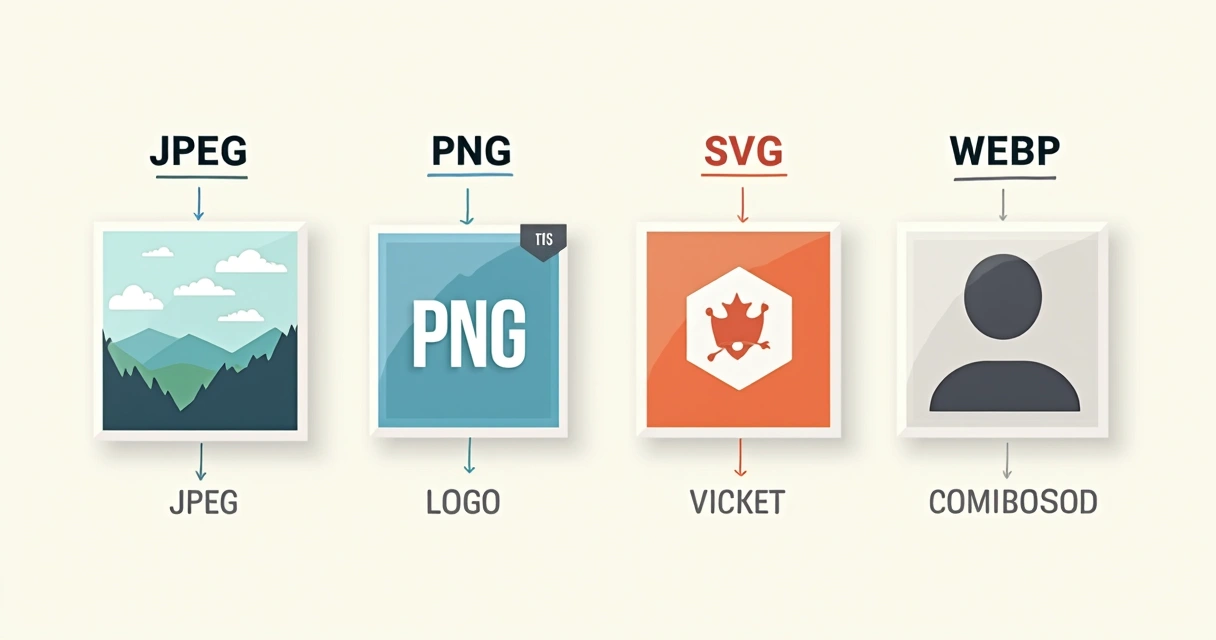
Picking JPEG, PNG, SVG, or WebP isn’t just about looks. JPEGs work well for photos, PNGs for graphics with transparency, SVGs for logos or icons, and WebP for best compression. I’ve noticed when I use the wrong format, quality drops or files bloat up.
This isn’t just a detail. Different formats serve different purposes and have a direct impact on quality, site speed, and SEO outcomes.
It took me a while to get comfortable with schema markup, but once I did, the improvement in image visibility was striking. By marking up images in recipes, products, or news content, I’ve seen my images leap into Google’s “rich results”—the type that attract much more attention.
These results can appear directly in search or in visually enhanced placements, bringing extra visits from both web and image search tabs.
I have seen too many people use bland stock images and expect results. Unique visuals consistently win out: original photos, infographics, or charts not only earn more clicks but can be shared, linked, and credited—further boosting search presence.
When writing for SEO basics, I always stress the value of using what only you can offer visually. Google loves unique images just as much as original text.

A big lightbulb moment for me: including image details in XML sitemaps. This tiny step tells search engines exactly where your pictures are. As soon as I started adding images to my sitemaps, crawlers found and indexed them faster. That resulted in more of my images—and in turn, my articles—showing up in search.
In my ongoing projects, including The Best SEO, this one small technical tick has paid off faster than I expected.
For anyone looking to go a step further, these quick ideas complement the top seven tactics:
I have watched articles grow from a handful of visitors a week to thousands per month by fine-tuning just a few of these steps.
Every tip I’ve shared here can help you get more eyes on your site through image search. The trick is to treat images as a true part of your SEO plan, not an afterthought. I’ve seen the difference first-hand in traffic, engagement, and even conversions.
Small image tweaks can bring big jumps in search visibility.
Ready to upgrade your image SEO and see your own traffic soar? I invite you to discover even more at The Best SEO, where I focus on making Google ranking simple and effective for everyone. Try these strategies, track your results, and watch as your site grows more visible week by week.
Image SEO is the process of improving images on your website so they appear in search results and help your site rank higher. This includes using descriptive file names, alt text, choosing the right format, and ensuring fast load times.
First, use meaningful file names and clear alt text. Then, compress images to reduce size without losing quality. Pick the right format (like JPEG or WebP), include images in your sitemap, and use original visuals. For more detailed steps and strategies, check out related tips in the website optimization category.
Image SEO can help drive extra traffic from image search results, makes your pages more accessible, and can even boost rankings for your whole website. I see this every day: images that are easy to find get clicked more often, bringing in new potential visitors and customers.
There are many tools that help with file compression, alt text checks, and structured data validation. Some website platforms include built-in image SEO features, but following the guidance in The Best SEO’s resources under SEO basics can guide you through most steps without any confusion or risk of missing essential details.
To attract more visitors from image search, always use descriptive file names, accurate alt text, and add your visuals to your sitemap. Create original, high-quality images relevant to your content. Keep your site fast and easy to navigate, and keep exploring fresh ideas in the Google ranking topics at The Best SEO for advanced advice.


